


























Rutaku Update (21 Nov 2026): Giveaways, Follow Sellers and a New Reviews Page
Written by Rutaku Team 3-5 min read 181 views
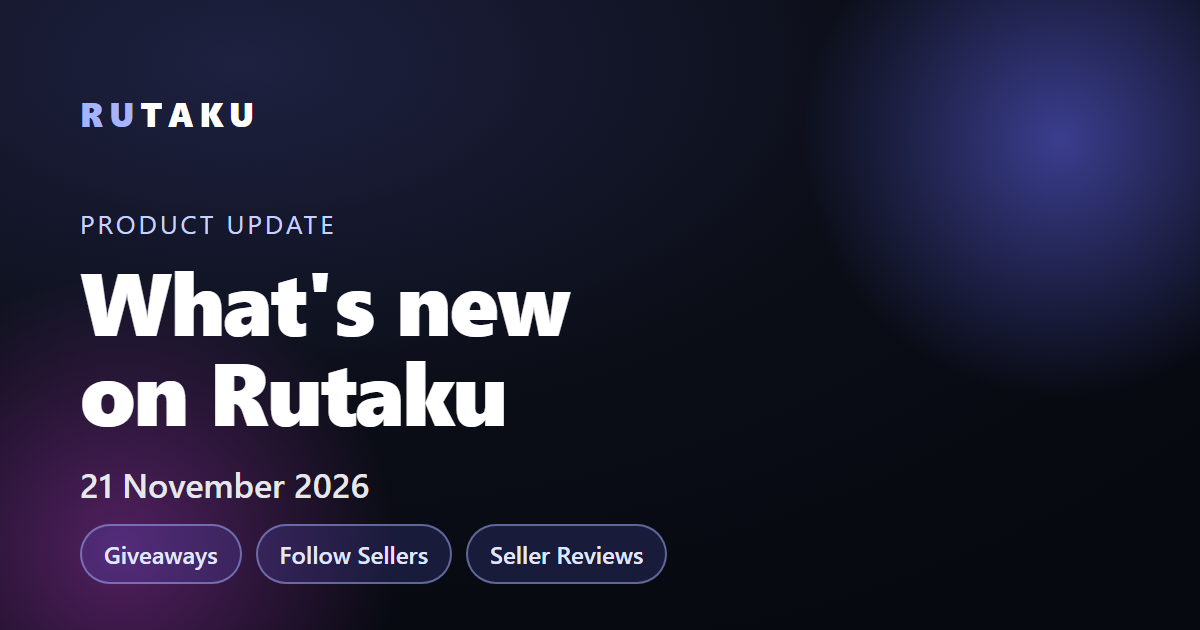
Free giveaways from Rutaku, sellers and streamers, a Follow button on profiles, a redesigned seller reviews page, easier skin selling and new tools for sellers.
Everything that went live on Rutaku between 11 and 21 November 2026: free giveaways, following sellers and streamers, a new seller reviews page and an easier way to sell your CS2 skins.
This post explains each change, how to use it and what it means for buyers, sellers and streamers. The questions we hear most often are answered in the FAQ at the end.
🎁 Free giveaways on Rutaku
Free giveaways are here! Rutaku, sellers and streamers give away wallet balance, game accounts and other digital products:
- Joining is free: one click and you're in, no purchase needed
- Each giveaway shows its prizes, a countdown and how many people joined
- Winners are drawn at random when the timer ends; balance prizes go to your wallet and product prizes straight to your inventory
- You can filter giveaways by type (Rutaku, streamer, store and members only) and sort them by end time or prize value
How to join a giveaway
- Log in to your Rutaku account and open the giveaways page
- Open a giveaway and check its entry requirements
- Click Join giveaway; every account gets one entry
- Wait for the countdown. If you win, you get a notification and the prize appears in your wallet or inventory
Some giveaways have extra requirements set by the organizer, such as a verified email address, a minimum level, a minimum account age or an active Rutaku membership. They are listed on the giveaway page before you join.
❤️ Follow sellers and streamers
- Profiles now have a Follow button and a follower count
- You get a notification when someone you follow starts a giveaway or adds a new listing
Following is the easiest way to catch new stock and giveaways from the sellers and streamers you like. You can unfollow at any time with the same button.
⭐ New seller reviews page
- Reviews in a clean card layout, each showing the product that was bought
- At the top: average rating, a 5-to-1 star chart and the positive feedback %
Before you buy from a marketplace seller, open their reviews page: you see at a glance what other buyers bought and how they rated it.
💰 Selling your CS2 skins is easier
When you sell CS2 skins to Rutaku, we now send you the Steam trade offer. You get a notification and just accept it in Steam; no need to send anything yourself.
How selling skins to Rutaku works
- Connect your Steam account and make your Steam inventory public
- Select the skins you want to sell and send an offer
- Rutaku quotes a price; you get a notification and can accept or decline it
- After you accept, enter your Steam trade URL and we send you a trade offer for those skins
- Accept the offer in Steam and confirm it in the Steam mobile app if Steam asks
Before you accept, check that the offer comes from Rutaku's Steam account and that its message contains the code shown on your request. Rutaku will never ask for your Steam password or a login code. Steam trades can be reversed for 7 days, so the money is added to your withdrawable balance once that window has passed.
Not sure what your skins are worth? Our CS2 skin value guide explains how float, wear, pattern and stickers change the price.
📦 Inventory & Chat
- My Orders → Details opens that order's item directly
- Inventory cards show the seller's logo and the order number; you can search by order number
- Chat boxes are multi-line: Enter sends, Shift+Enter adds a new line, with an image preview
- Boost chats now update live, no refresh needed
🧭 Genshin accounts & new guides
- Genshin Impact accounts can now be filtered by server (EU, NA, Asia)
New buying guides on our blog help you check an account before you pay:
- Valorant account buying guide: skins, rank and MMR, region and security steps
- League of Legends account buying guide: NFA or full access, champions, skins, rank and server
- Genshin Impact account buying guide: 5-star characters, constellations, Adventure Rank and server
- CS2 skin value guide: float, wear, pattern and stickers
🧑💼 For Sellers & Streamers
- Run your own giveaway: put up unused items from your inventory or buy prizes from the store right in the form with your balance. After approval it goes live and your followers are notified
- You can have one open giveaway at a time. Items reserved for it come back to your inventory if it is cancelled or if nobody wins them
- Items bought by card can be used as prizes once the card security period has ended
- Manual delivery for accounts: account listings in every game can now be set to manual delivery
- Payouts: a buyer's refund no longer pushes your payout to a later date by mistake
- Changed your username? Old profile and donation links now take visitors to the new one
- Required fields are marked with a star in the listing form
⚡ Faster & Safer
- Faster category pages and lighter panel windows
- E-mail verification links now work on any device
- You can change your Discord username in Settings (once every 30 days)
- Clearer messages in the sign-up form
- Translation fixes across all 15 languages
- Security improvements behind the scenes
Frequently asked questions
Are Rutaku giveaways really free?
Yes. Joining is free and needs no purchase. Each account can enter a giveaway once. Some giveaways also ask for a verified email address, a minimum level, a minimum account age or an active membership.
How are giveaway winners chosen?
Winners are drawn at random as soon as the timer ends. You get a notification; balance prizes are added to your wallet and product prizes appear in your inventory automatically.
Who can start a giveaway on Rutaku?
Sellers and streamers. They choose unused items from their inventory or buy prizes from the store in the form. The giveaway goes live after approval.
How do I get notified about a seller's new listings?
Open the seller's or streamer's profile and click Follow. You get a notification when they add a listing or start a giveaway.
How do I sell my CS2 skins to Rutaku?
Connect your Steam account, make your inventory public, select your skins and send an offer. If you accept our price, we send you a Steam trade offer. Once you accept it, the money is added to your withdrawable balance after Steam's 7-day trade protection window.
Why does the money for sold skins arrive after 7 days?
Steam lets trades be reversed for 7 days. We wait until that window has passed and then add the money to your withdrawable balance.
Can I change my Discord username on Rutaku?
Yes. You can change it in Settings once every 30 days.
Found a bug or have an idea? Open a ticket or message live support. We read everything!