


























LoL RP Gifting: How to Get League of Legends Skins for Less
Written by Rutaku Team 5-10 min read 686 views
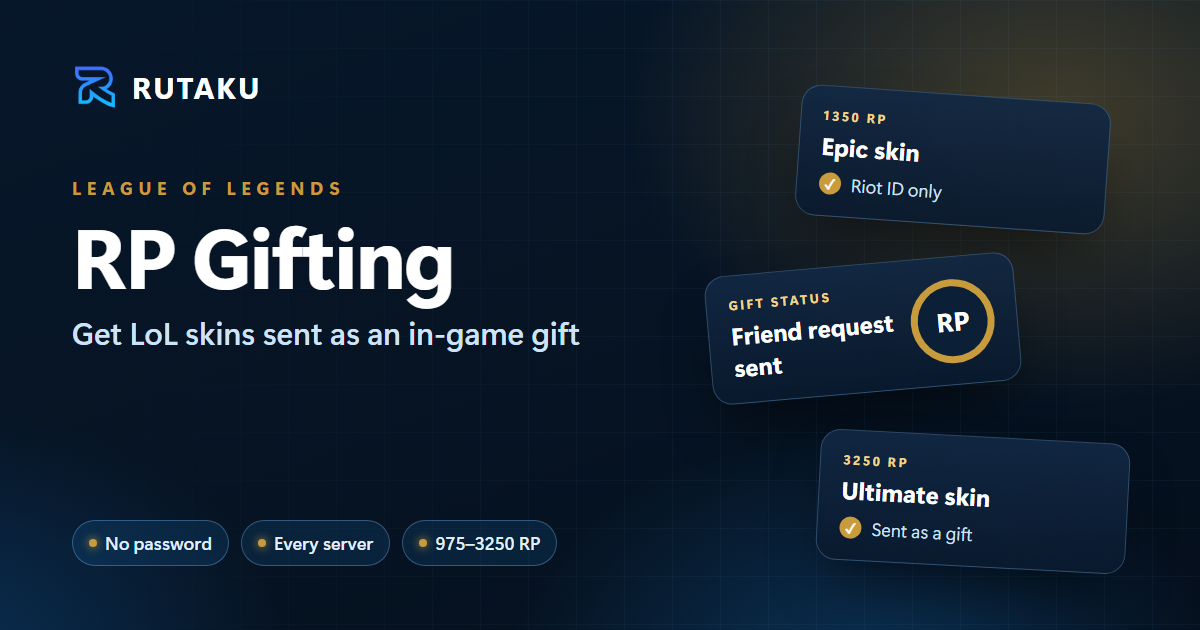
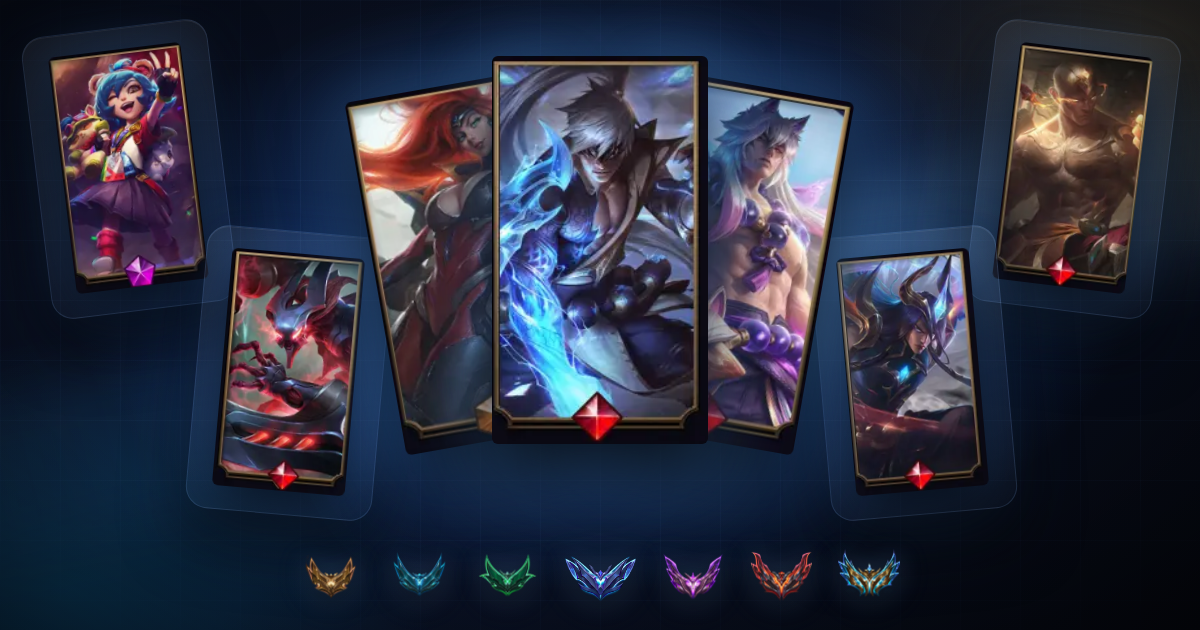
How LoL RP gifting works on Rutaku: choose an RP tier and your server, enter your Riot ID and skin, accept our friend request and receive the skin as an in-game gift.
Want a new League of Legends skin without paying the full Riot Points price? RP gifting is one of the easiest ways to get it. On Rutaku you pick a skin, tell us your Riot ID, and the skin is sent to your account as an in-game gift. You never share your password, and you pay much less than buying the same RP yourself.
This guide explains how LoL RP gifting works on Rutaku, which RP tiers and servers you can choose, how long delivery takes, and how to make sure your gift arrives without problems.
What is LoL RP gifting?
League of Legends has a built-in gifting system. Players can send skins, champions and other store items to people on their friends list. Rutaku uses this official system: after you order, our team adds you as a friend and sends the skin you chose straight to your account.
Because the gift arrives through the game's own store, there's no account sharing. Nobody logs in to your account, and you only need to give us your Riot ID.
What can you get?
Rutaku offers gifting in the most common store price tiers. You pick a tier, then choose any skin or item worth that much RP:
- 975 RP gifting: for most standard skins
- 1350 RP gifting: for epic skins
- 1820 RP gifting: for legendary skins
- 3250 RP gifting: for ultimate skins and the most expensive items
- 1650 RP Battle Pass: the event pass, sent as a gift
- Hextech Chest, Hextech Key and Hextech Set: for players who want to open loot
Each order sends one skin or item. If you want several skins, place one order per skin.
See every RP gifting offer and its current price on the League of Legends items page.
Which servers are supported?
Riot gifts only work between players on the same server, so every offer is listed per region. RP gifting is available on all major League of Legends servers, including EUW, EUNE, NA, TR, BR, OCE, KR and more. Always choose the offer for the server your account plays on.
How RP gifting works, step by step
- Choose your server and RP tier. Open the LoL items page and pick the gifting offer for your region and the price tier of the skin you want.
- Enter your Riot ID and the skin. At checkout, fill in your Riot ID with its tag (for example
rutaku#EUW) and the exact name of the skin you want. - Pay. Use any payment method on Rutaku: card, Shopier, crypto, Binance Gift Card, Payoneer, bank transfer or your Rutaku balance.
- Accept the friend request. Our team sends you a friend request within 24 hours. Accept every request that comes from us.
- Wait for the friendship period. Riot only allows gifts between friends after a waiting period, so delivery is completed within 7–14 days of the friend request.
- Receive your gift. The skin appears in your collection, and you'll see the gift notification in the client.
If anything is unclear, open a ticket or message us in live support. Our team follows every gifting order.
Tips for a smooth delivery
- Double-check your Riot ID and tag. Most delays come from a wrong tag or a typo.
- Pick a skin that matches your tier. A 975 RP order can't send a 1350 RP skin.
- Make sure you don't already own it. Riot can't gift a skin that's already in your collection.
- Keep the friend in your list until the gift arrives. Removing it can delay your gift.
- Order on the right server. A gift can't be sent to another region.
Why buy RP gifts on Rutaku?
- No password needed. Only your Riot ID. Your account stays fully under your control.
- Lower price than buying RP. Each tier costs much less than the same RP in the store.
- Every major server in one place, all from Rutaku's own team.
- Secure payment through Rutaku, with many payment methods and prices shown in 13 currencies.
- Real support. Live chat on every page and tickets for every order.
New to Rutaku? Read What Is Rutaku? How to Buy and Sell Game Accounts Safely to see how the marketplace protects you.
Want more than a skin?
If you're also chasing a higher rank, check our LoL elo boost guide. Or browse League of Legends accounts that already come with skins and ranked access.
Frequently asked questions
Is LoL RP gifting safe?
The gift is sent through League's own in-game gifting system, and we only need your Riot ID. Nobody logs in to your account, and your password is never shared.
How long does RP gifting take?
You'll get a friend request within 24 hours. Because Riot requires a friendship period before gifting, the gift is delivered within 7–14 days.
Can I choose any skin?
Yes, as long as its store price fits the RP tier you ordered and you don't already own it. Each order sends one skin or item.
What if I order for the wrong server?
Gifts only work on the same server. Contact live support right away, before the friend request is sent, and our team will check how to fix the order.
Can I gift a skin to a friend?
Yes. Enter your friend's Riot ID and the skin they want. Your friend needs to accept our friend request.
Get your next skin
Ready? Pick your server and tier on the League of Legends items page, add your Riot ID and the skin, and we'll take care of the rest.