


















































LoL Elo Boost: The Complete Guide to League of Legends Rank Boosting
Written by Rutaku Team 5-10 min read 759 views
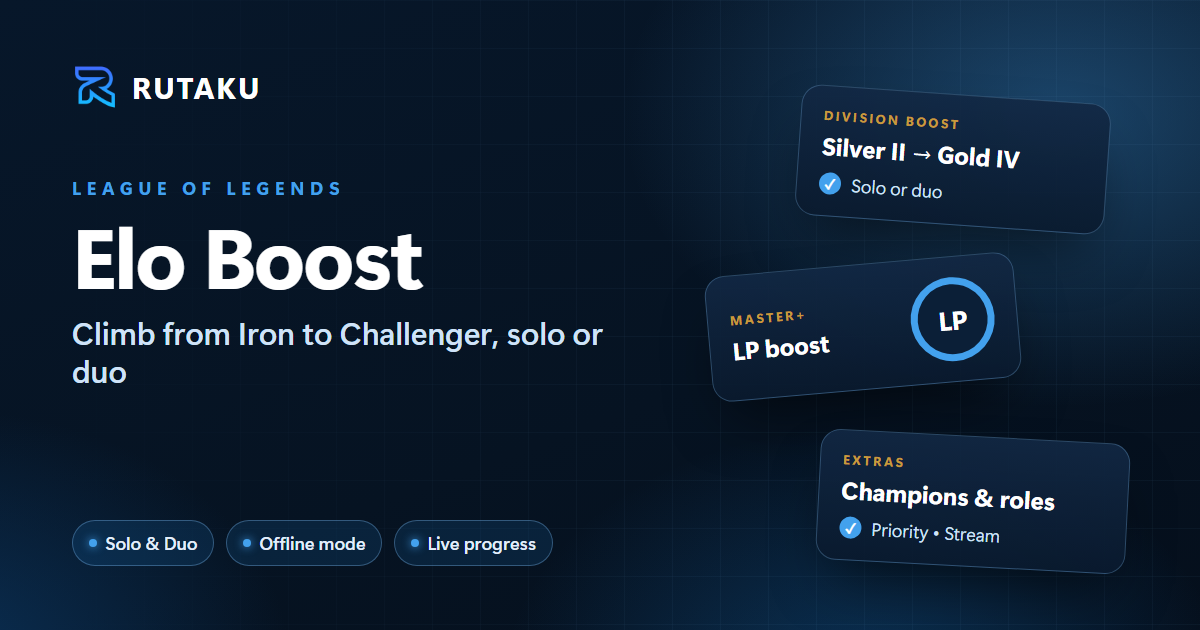
Every League of Legends boost type on Rutaku explained: division, Master+ LP, net wins and placement boosts, solo or duo, extra options, pricing and account safety.
Stuck in the same division for weeks? Losing LP to bad teammates, or simply short on time? LoL elo boosting gets you to the rank you deserve without the grind. On Rutaku, an experienced booster plays your ranked games, or plays them with you, until you reach your goal. Your progress is visible at every step.
This guide explains every League of Legends boost type on Rutaku, the options you can add, how pricing works and how your account stays protected.
What is LoL elo boosting?
Elo boosting (also called rank boosting) means a high-ranked player helps you climb in League of Legends ranked. You choose where you are and where you want to be. The booster wins the games needed to get you there, and you keep the rank, the LP and the end-of-season rewards.
LoL boost types on Rutaku
Rutaku offers four kinds of League of Legends boosts:
- Division boost: pick your current rank and division and your target. For example, Silver II to Gold IV, or Emerald IV to Diamond IV. Available from Iron all the way to Master.
- Master+ LP boost: already in Master or above? Choose how much LP you want to gain, and the booster climbs toward Grandmaster and Challenger.
- Net wins: buy a set number of ranked wins in your current division. It's ideal when you only need a few more wins to promote.
- Placement matches: let a booster play your placement games, so you start the season from the best possible position.
Solo boost or duo boost?
- Solo boost: the booster logs in to your account and plays your matches. It's the fastest option.
- Duo boost: you play in the same team as the booster. You don't share your password; you only need to be online to play together.
Customize your boost
You can tailor your order with extra options:
- Priority boosting: your order goes to the front of the queue.
- Streaming: watch your booster play live on Discord or Twitch.
- Specific champions and specific roles: choose which champions and positions the booster plays.
- Summoner spells: choose the summoner spells the booster uses.
- Solo only: the booster plays only solo queue games, with no premade groups.
- Offline mode: the booster appears offline in chat, so your friends won't notice.
How pricing works
The price is calculated instantly on the boosting page as you choose your ranks and options. Starting prices for each boost type are listed there. A few things affect the price:
- Rank distance: more divisions or higher ranks cost more.
- LP gain per win: if you gain more LP per win, you need fewer games, so the boost costs less.
- Current LP: if you already have LP in your division, you get a discount.
- Server: TR, BR, LAS and LAN boosts are cheaper than other regions.
- Extras: options such as priority, streaming or duo add to the price.
Boosts are available on all major League of Legends servers, including EUW, EUNE, NA, TR, BR, LAS, LAN and OCE.
How it works, step by step
- Configure your boost on the League of Legends boosting page: server, current rank, target and options.
- Pay securely with card, Shopier, crypto, Binance Gift Card, Payoneer, bank transfer or your Rutaku balance.
- Add your account details (solo boost only) on the My Boost Orders page. For a duo boost, only your username is needed.
- Your booster starts. The boost starts right after payment. For a solo boost, it starts as soon as your details are added.
- Follow the progress and message your booster from the My Boost Orders page at any time.
- Completion and review. The booster uploads proof when your goal is reached, and you can leave a review.
How long does it take? Most orders are completed within 24–48 hours, depending on the rank difference. Priority boosting makes it faster.
How your account stays protected
- Encrypted login details. Your account details are stored encrypted. The booster sees them only while working on your order, and they're hidden after the boost ends.
- Offline mode keeps the booster invisible to your friends list.
- Direct chat with your booster for any request, such as the time of day or which champions to play.
- Payment through Rutaku. Boosters are paid by Rutaku, not by you.
- Refund if the boost fails. If a boost can't be completed, it's refunded.
A few good habits: don't play ranked on the account during a solo boost, and feel free to change your password once the boost is completed.
Elo boost or a new account?
If you'd rather start fresh, Rutaku also sells League of Legends accounts, from unranked and ranked-ready accounts to accounts with rare skins. Want skins for your current account? See our LoL RP gifting guide. Playing Valorant too? Read the Valorant elo boost guide.
Frequently asked questions
Is LoL elo boosting safe?
Your login details are encrypted and visible to the booster only during your order. You can use offline mode and talk to your booster at any time. For no account sharing at all, choose a duo boost.
How long does a LoL boost take?
Most orders finish within 24–48 hours, depending on the number of divisions. Priority boosting moves your order to the front of the queue.
Can I play while my account is being boosted?
With a duo boost, yes: you play together. With a solo boost, please don't play ranked on the account until the boost is finished.
Which servers do you boost on?
All major servers, including EUW, EUNE, NA, TR, BR, LAS, LAN and OCE. TR, BR, LAS and LAN boosts are cheaper.
What happens if the booster can't reach my target?
If a boost can't be completed, you get a refund. You can follow every step on the My Boost Orders page.
Start climbing today
Choose your current rank and target on the League of Legends boosting page and see your price instantly. New to the site? Start with What Is Rutaku?